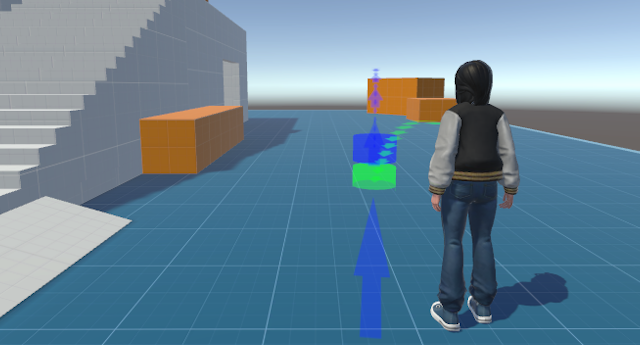
These examples are designed for Unity. I'm programming using Unity because its ease of programming and flexibility let me focus on rapid prototyping and experimenting with new ideas in game development, VR, and interactive tools.
Pretty Hierarchy
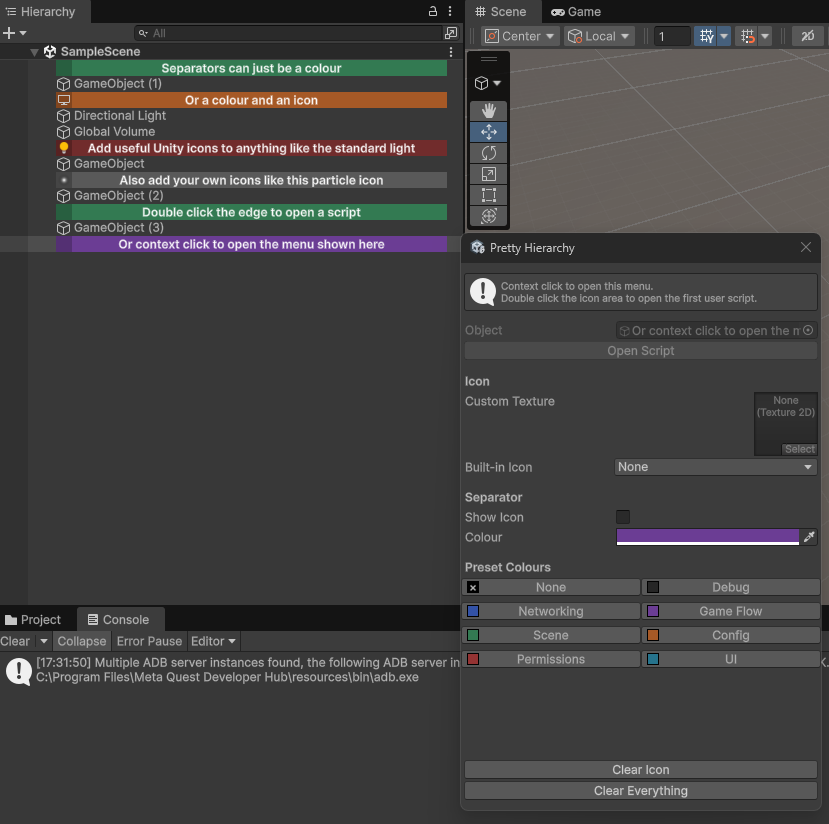
Pretty Hierarchy helps you organise large Unity scenes with custom hierarchy icons, coloured separators, and automatic component icons.
Right-click the left icon area of any GameObject in the Hierarchy to open the Pretty Hierarchy menu.
Double-click opens the first attached user script.
Install via Unity's Install package from Git URL option using:
gavwood/PrettyHierarchy.git
Full source available on GitHub.
Editor Notes
In Unity projects, there is often no standard way to attach documentation or project notes. Some teams create "Documentation" folders, others use "Documentation~", and practices can vary widely between projects. EditorNotes helps you standardize how and where you store important notes, references, and documentation inside your Unity projects. It provides a simple, lightweight editor window for writing, saving, and easily accessing these notes directly within the Unity Editor.
Quick Access to Documentation Folders
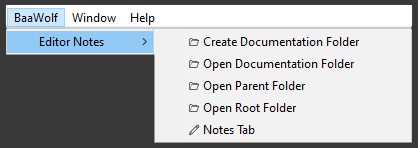
EditorNotes provides shortcuts for creating a standardized "Documentation" folder in your Unity project. It also lets you quickly open the documentation folder, the project root, or the parent directory.
Editing and Managing Project Notes
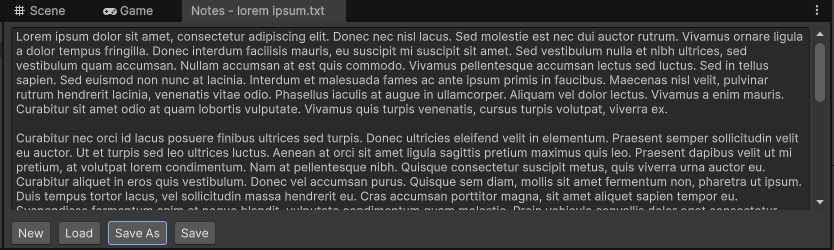
The built-in editor window allows you to edit and manage notes directly inside Unity. You can quickly jot down important project information, as shown here with placeholder text from Lorem Ipsum. You can save these into your newly created documentation folder and keep safe with source control.
Install via Unity's Install package from Git URL option using:
gavwood/EditorNotes.git
Full source available on GitHub.